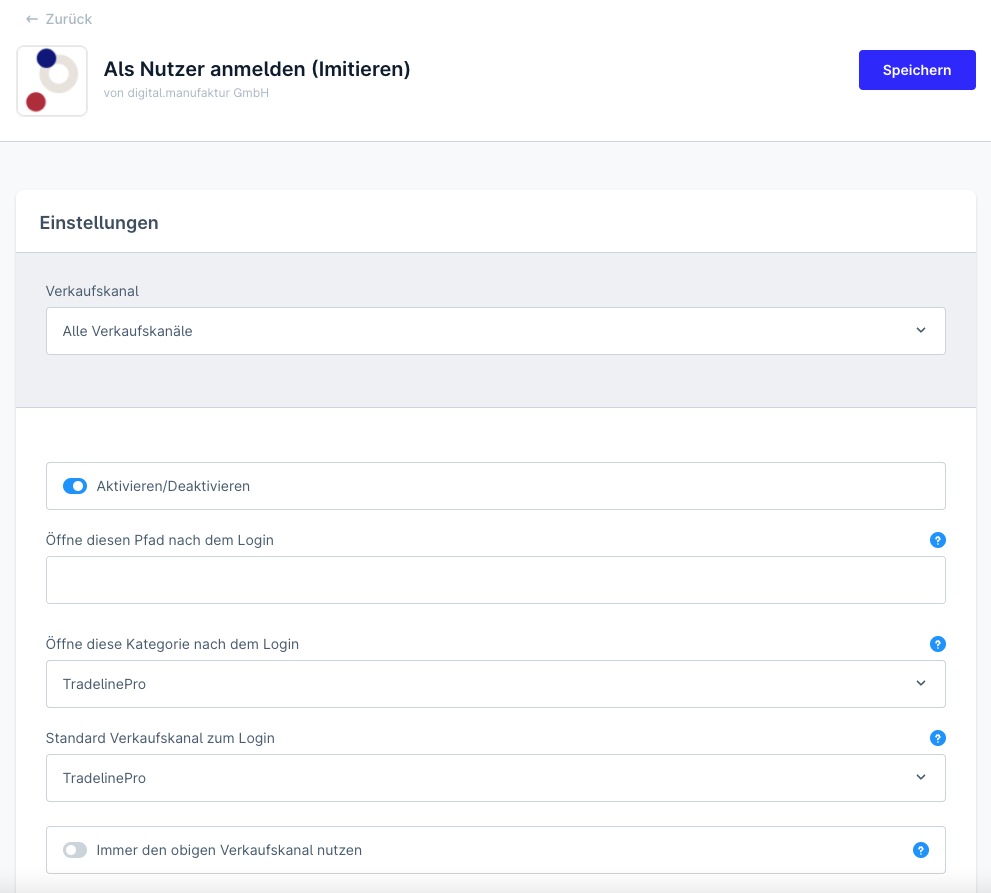
Impersonating shop users
Step into the context of a shop user to reproduce issues.
Using the "Log in as customer" function (also known as shop user impersonation), you as an admin user can start a session on behalf of any storefront user.
This function helps you provide tailored customer service for your customers.
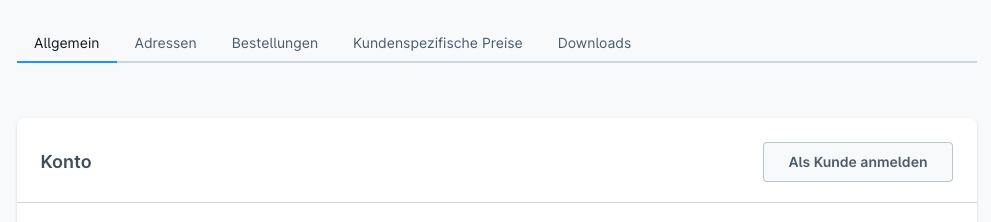
To do this, open a user in the customer administration (Customers -> Overview) and click on the detail view.
You start the process via the Log in as customer button. If a user is assigned to several sales channels, you will be offered a selection of the appropriate sales channel.
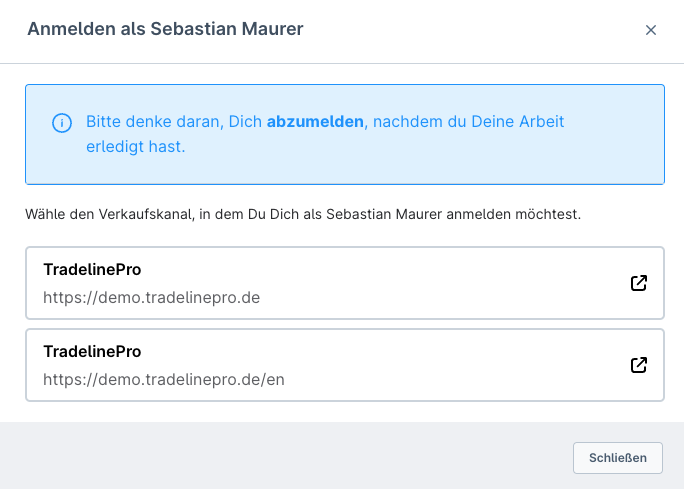
You now arrive in the frontend and act as your shop customer.
INFO
Please define the handling of this function with regard to data protection issues in your terms of use and your internal processes.
The function can be deactivated in the settings.