
Email templates / texts
Email templates for order, shipping and customer communication.
TradelinePro sends emails to your customers, and also to you as the shop operator, in certain situations.
→ see here to define the recipients for emails to you as the shop operator
The following emails are created by the system as part of the installation and are sent in specific situations.
| Name | Description | Variables | Triggering flow |
| Double opt-in guest order | Registration confirmation for guest orders | Guest account registered with double opt-in | |
| Double opt-in registration | Registration confirmation for customers | Customer account registered with double opt-in | |
| User password recovery | "Forgot password" email for customers | Customer requests new password | |
| User password recovery | "Forgot password" email for backend users | User recovery request sent | |
| Order confirmation | Order confirmation for orders in the shop | Order placed |
You should adapt the content of the texts to your individual situation before going live. The email templates work with variables that are replaced by the specific data of the situation when sending.
Since emails are sent in different contexts, context-related variables may also be available. We list these in the overview of relevant email templates above.
You can use a preview to check your work, or send a test email to yourself.
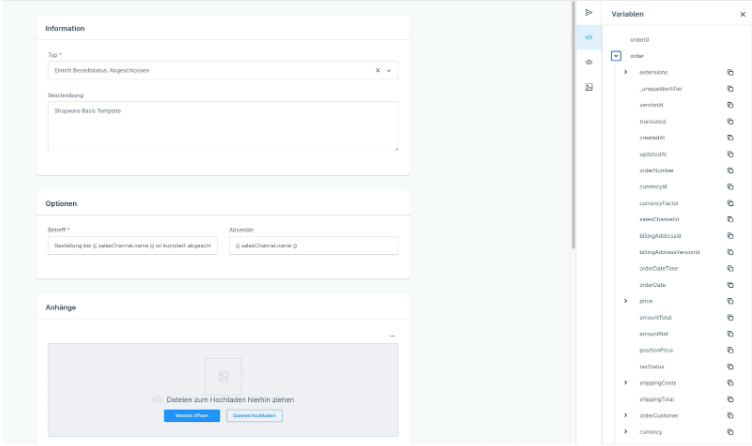
Emails are triggered by the so-called "Flow" - an automation solution of the system.
In this Automations chapter you will find further general information on this. In the table above we show which flow was initially configured for which email.