
Basic settings
Global configuration, sales channel and base data.
In this chapter you will learn which settings need to be made in the shop system after the technical provisioning in order to bring the system into a productive state. These basic settings serve to tailor the shop to your needs and processes.
INFO
Due to the architecture, settings take place context-related in partly different places in the system. The following overview guides you through the various areas. Consult your implementation partner for productive provisioning.
B2B mode
This chapter is a work in progress
The specific configuration of the shop for B2B mode takes place within a so-called sales channel.
B2B shops can work in different ways. In the following how-tos we present typical scenarios and describe how they can be implemented with TradelinePro:
Corporate design / look & feel
An individual appearance that matches the brand identity is also a key success factor for B2B shops.
TradelinePro provides you with a theme that enables a quick start for a shop adapted to your corporate design.
For this purpose, TradelinePro provides a set of best practice layouts as well as configuration options for core elements of the user interface.
You can get an impression of these layouts in the demo.
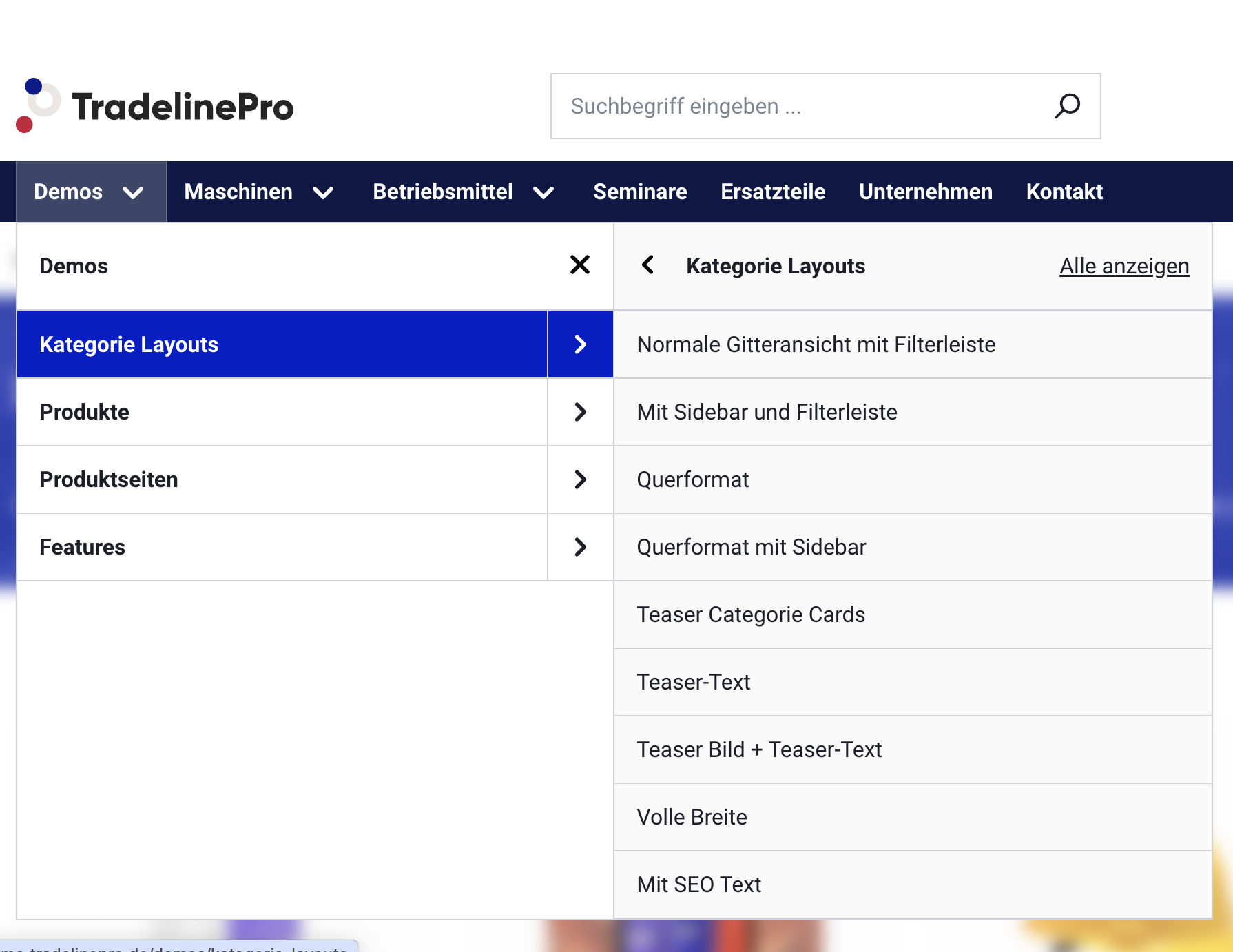
You can independently define logo, colours and fonts and use the predefined layouts. If you want to go a step further, you will need the support of a software developer.
You can find out how this works exactly in the chapter Brand / shop design.
Basic shop information
Master data
Under Settings → Master data the fundamental data of the shop is stored. This includes:
- The name of the shop
- The e-mail address that is typically used as the sender in e-mails or to which information e-mails are sent
At the same time, shopping experiences have already been created which can be used for the typical shop pages. These include:
- Legal notice (Impressum)
- Terms and conditions
- Right of withdrawal information (relevant for B2X)
- Shipping and payment information
- Privacy policy
You can design the content of these pages yourself. To do so, navigate in the menu to Content → Shopping experiences.
E-mail dispatch
So that your shop system can send e-mails, please configure an SMTP server under Settings → System → Mailer.
Sales channel settings
The following settings are made in the sales channel:
Theme
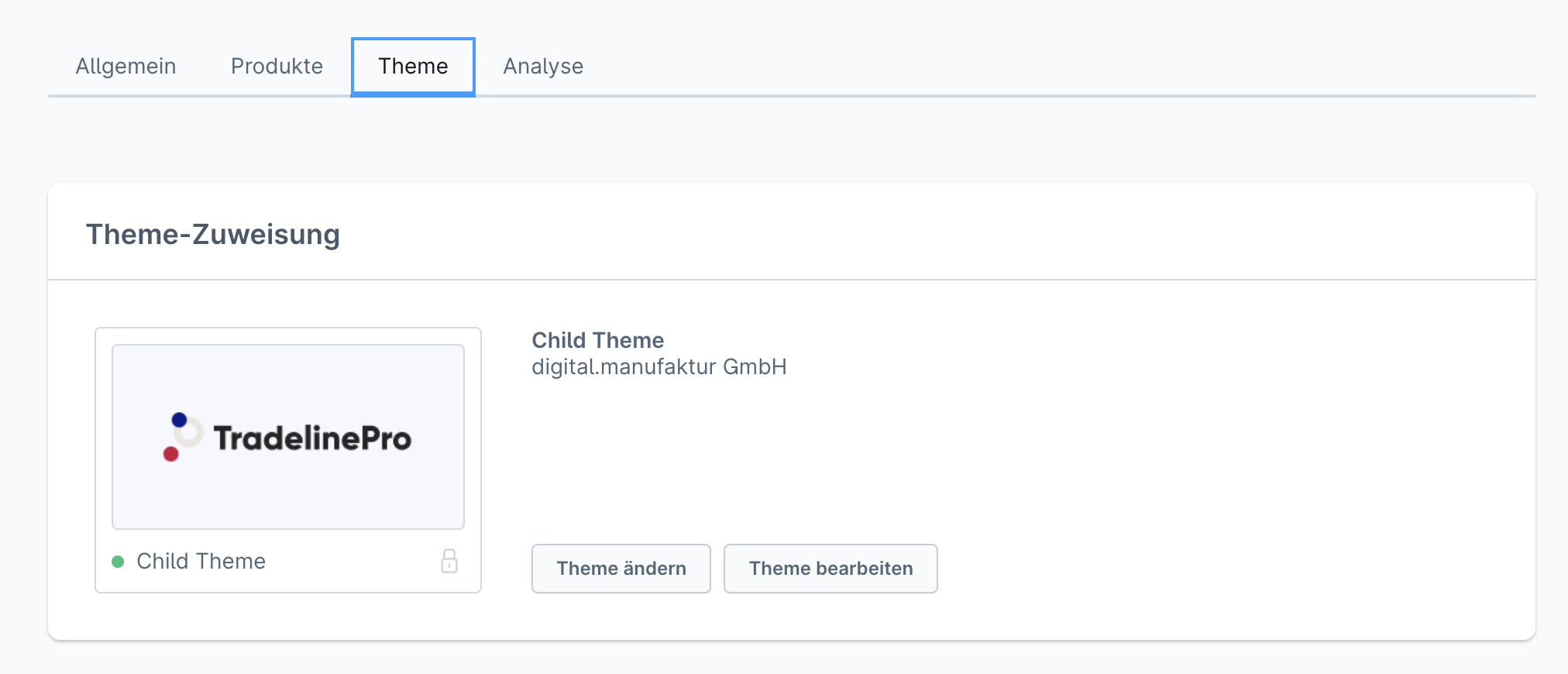
If you click on the preview image of the theme or on Change theme, you can assign one of the installed themes. Via Edit themes you can go directly to the theme configuration.
Main menu and footer
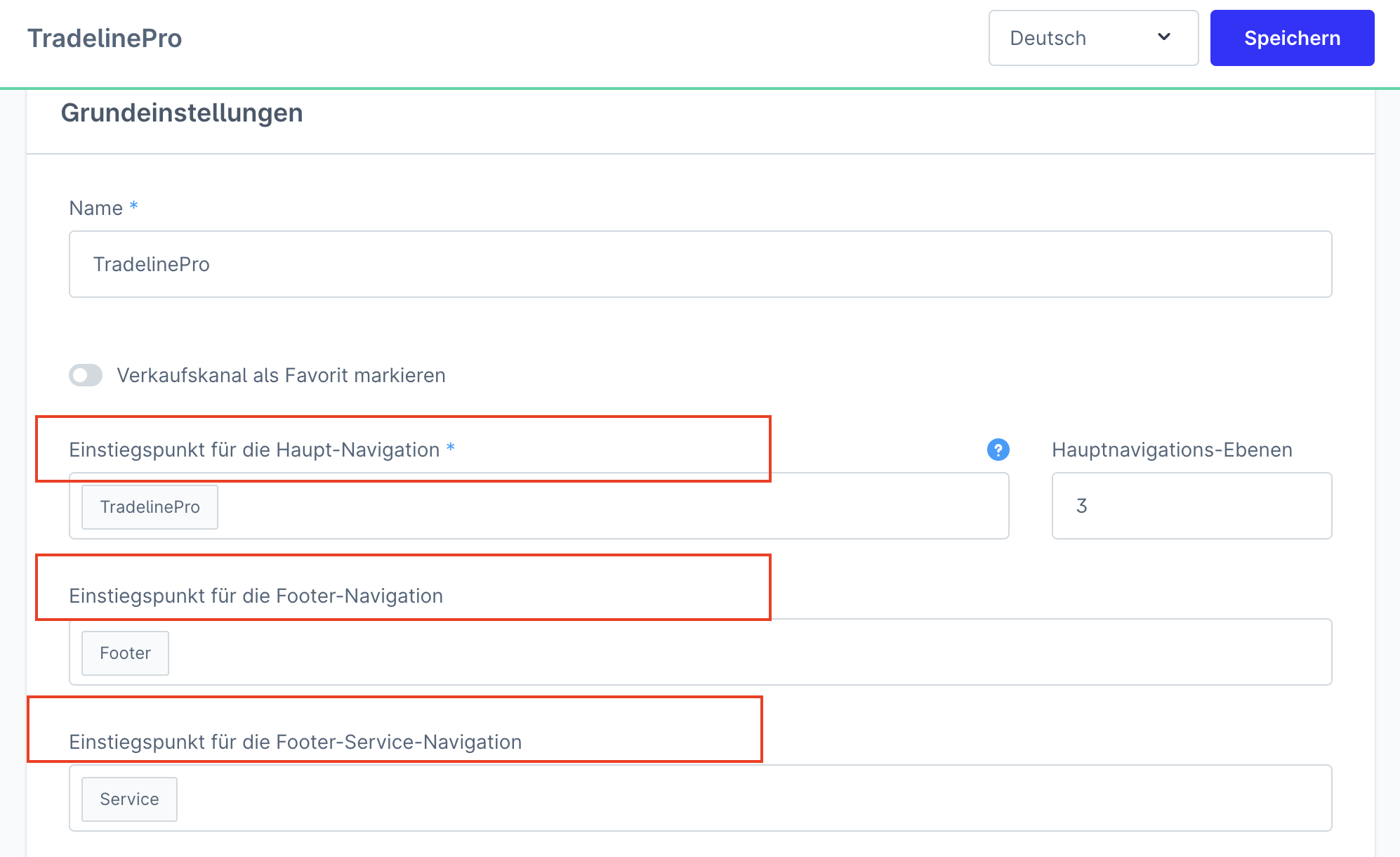
- Entry point for the main navigation
- Entry point of the links in the footer (entry point for the footer navigation)
Default customer group
Specify the default customer group of your sales channel here. New customers and unregistered visitors are then assigned to this customer group.
Countries
Specify here which countries should be available in your sales channel (in the registration form and in the addresses), and select a default country.
Languages
Specify here which languages should be available in your sales channel, and select a default language.
Payment methods
Define which payment methods should be available in your sales channel. You can edit the available payment methods under Settings > Payment methods. Additionally, please define a default payment method.
Shipping methods
Specify here which shipping methods should be available in your sales channel. The shipping methods are configured under Settings > Shipping. Select a default shipping method.
Currencies
Select which currencies should be available in your sales channel. You manage the available currencies under Settings > Currencies. Select the default currency.
Tax calculation
Define how taxes for the orders in this sales channel should be calculated.
Leave the default setting line-by-line calculation.
Domain
Finally, store a domain for the sales channel so that the storefront can be reached via this domain. Several domains can be maintained per sales channel. This can be relevant, for example, for the differentiated (.com / .de / .at / etc.) delivery of several languages.