
Set up brand / shop design
Logo, colours, typography and theme settings.
You can adapt TradelinePro to your brand's appearance on your own.
To support you, the software provides a so-called "Best Practice Theme".
You are equally free - in line with the possibilities of Shopware 6 - to use a different theme or a fully customised frontend at any time.
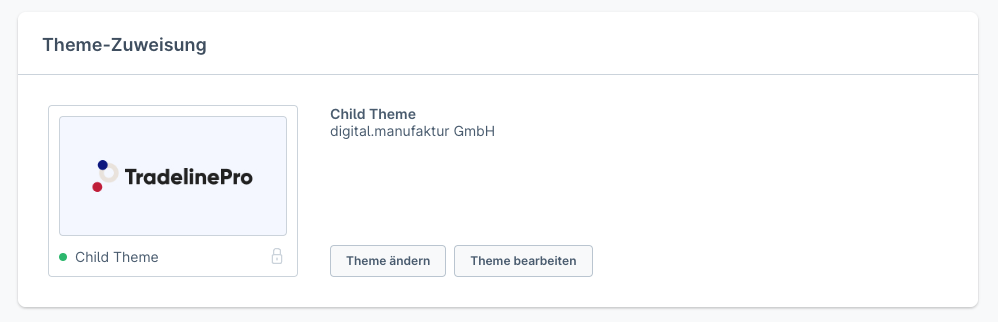
Proceed as follows to adapt the Best Practice Theme to your brand.
Options
TradelinePro provides you with the following customisation options:
- Logo
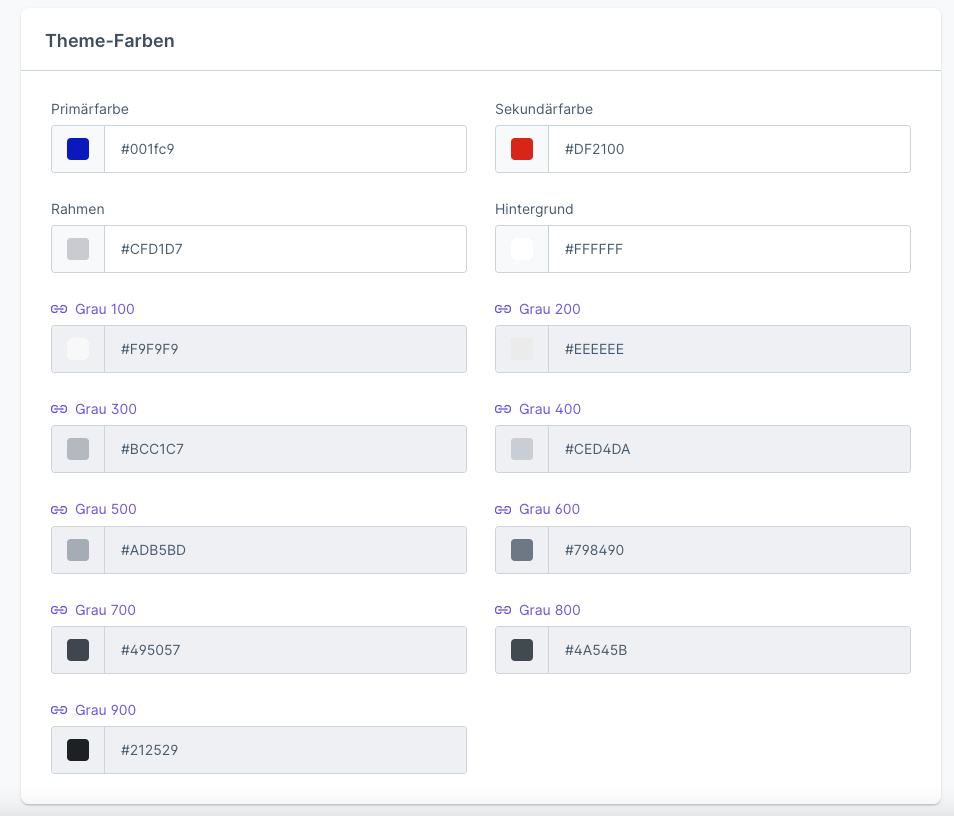
- Primary colour
- Secondary colour
- Shape of the corners of buttons and form input fields (square or rounded in pixels)
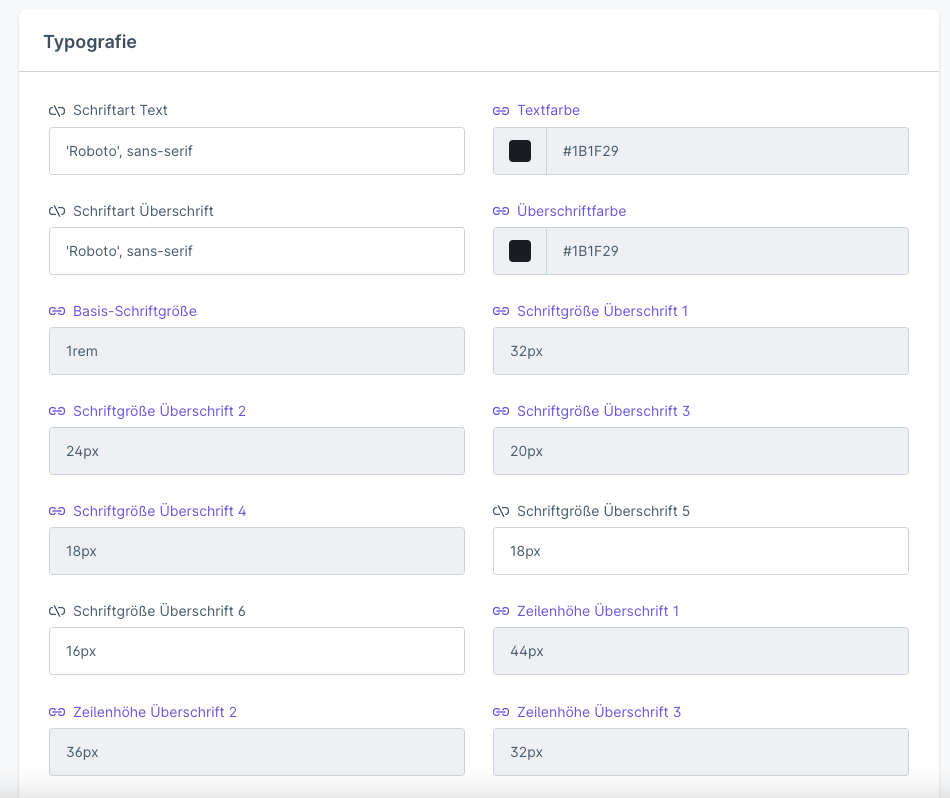
- Fonts (display font, body text)
- Different layouts for the page types category and product detail page
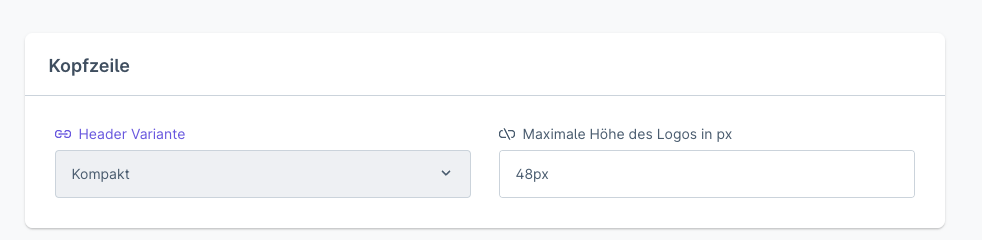
- Customisation options for the page header and footer
This allows you, through a simple configuration, to achieve a
Adjusting the presentation beyond this scope is possible, but requires technical skills that go beyond mere configuration. Your implementation partner or your IT team will coordinate these activities with you and carry them out on your behalf.
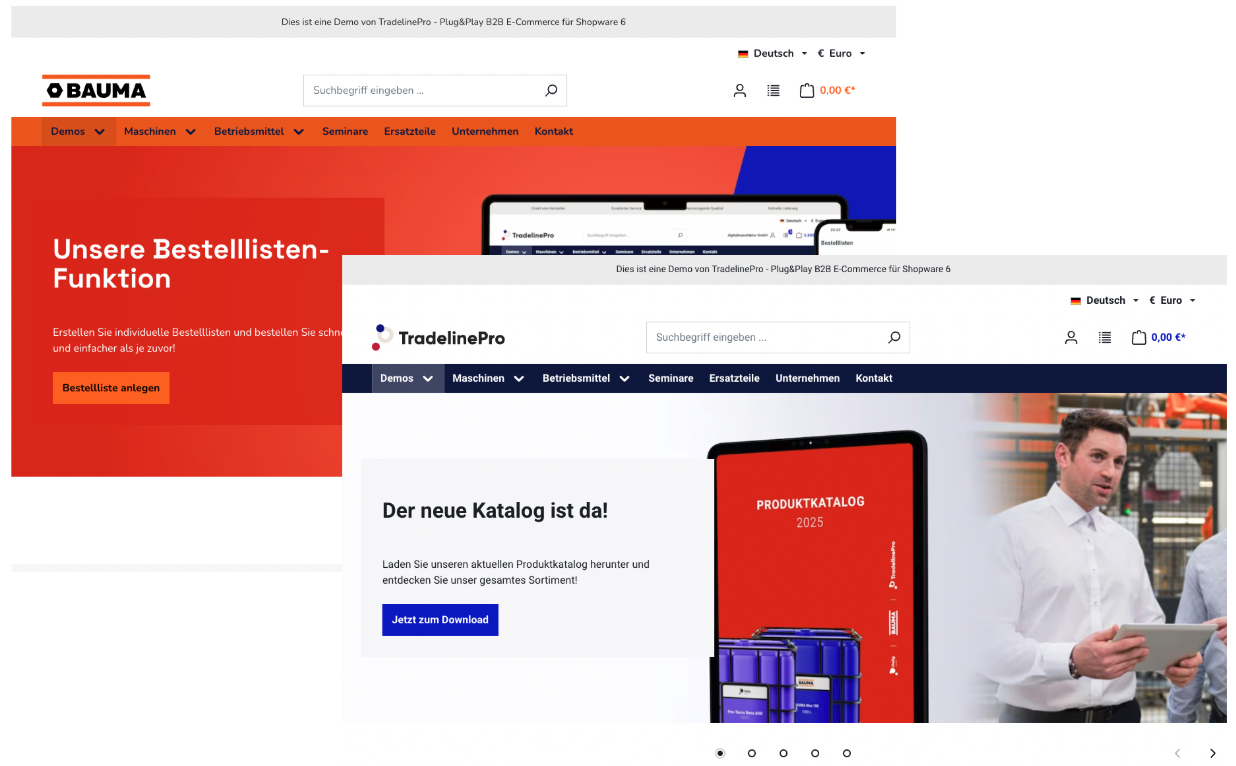
Materials checklist
You should have the following materials available to successfully customise the theme:
- This information is currently being prepared
Theme settings
All changes are made in the so-called theme settings.
INFO
The following instructions cover a section of the configuration options. Further details can be found in a specific documentation of the theme.
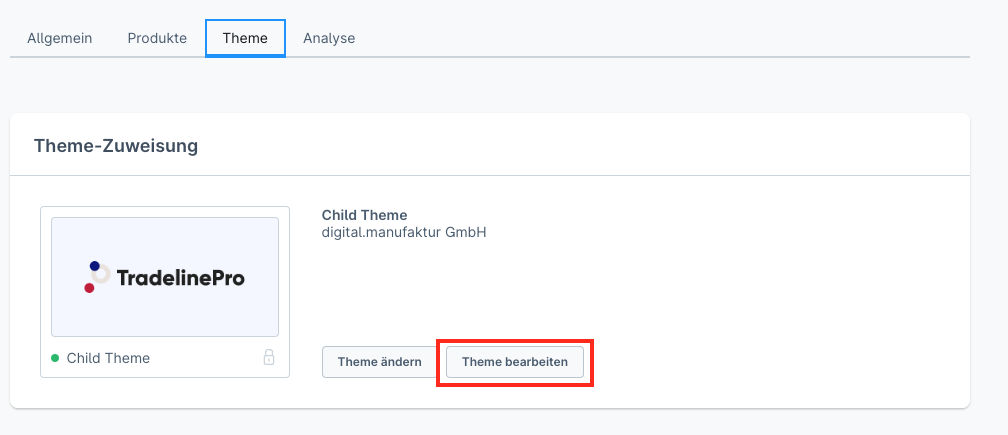
You will find these in the Sales channels area. To access them, open the relevant sales channel in the administration interface and click on Theme -> Edit theme.
The click opens an extensive configuration mask, which is in turn grouped via tabs at the top and offers a wide range of setting options at the bottom.
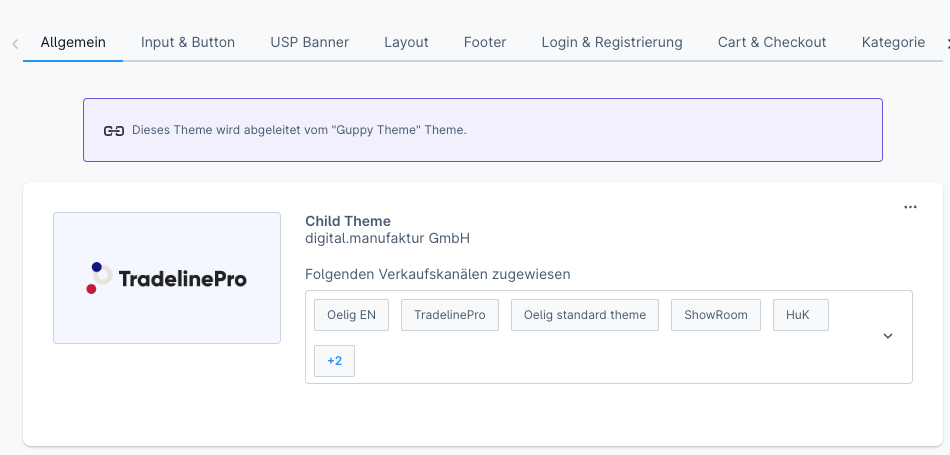
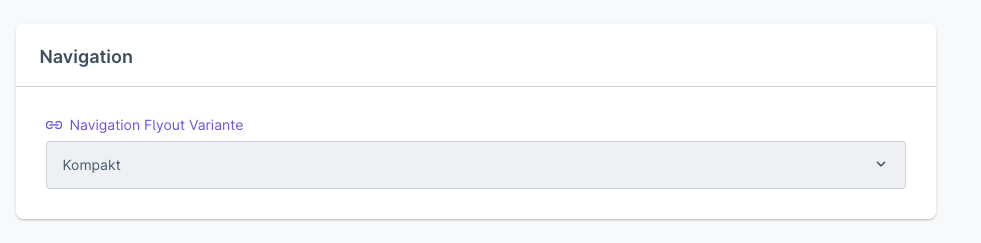
Header and navigation selection

Footer configuration
Logo
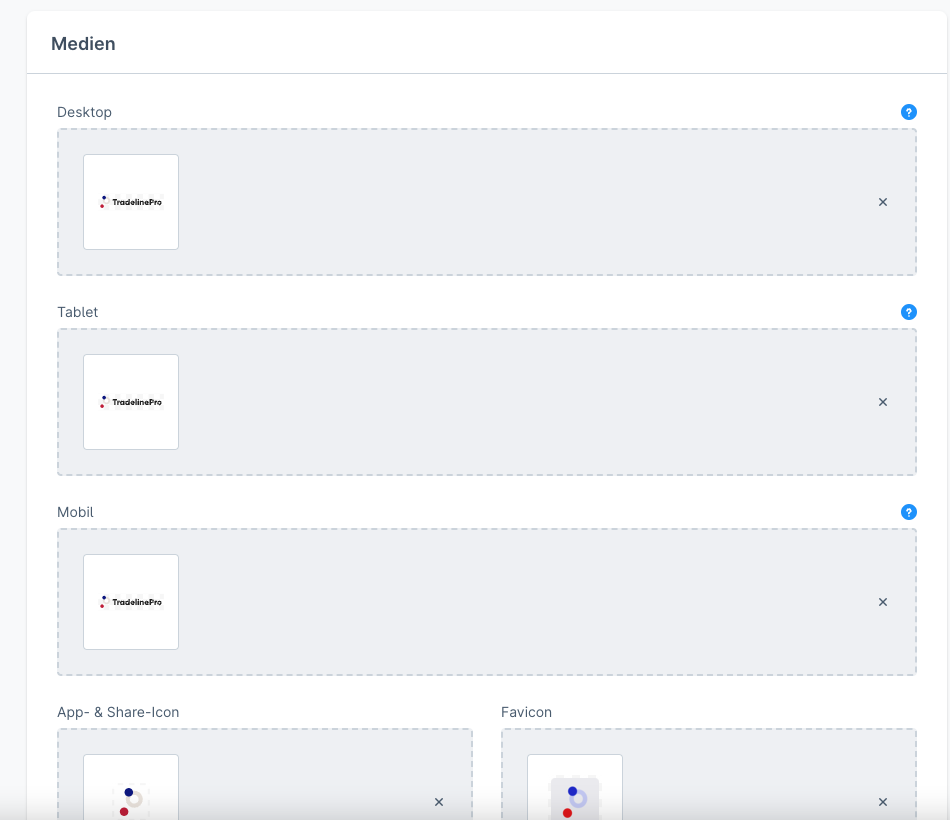
You change your shop logo in the General -> Media area.
Make sure you upload the logo in SVG file format to ensure the best possible display quality.
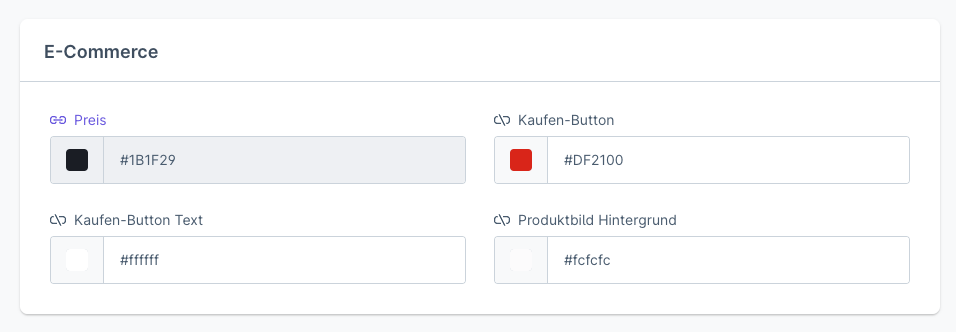
Colour palette
Fonts
INFO
For further information on the topic of "Themes", please refer to the Shopware documentation.