
Sales channels
Operate and configure several sales channels in parallel.
Sales channels are a central concept in TradelinePro that enables you to offer different presences, e.g. brands, in parallel. Think of sales channels as separate shops within your TradelinePro installation, each with their own settings, products, customer groups and design.
The following diagram illustrates this:
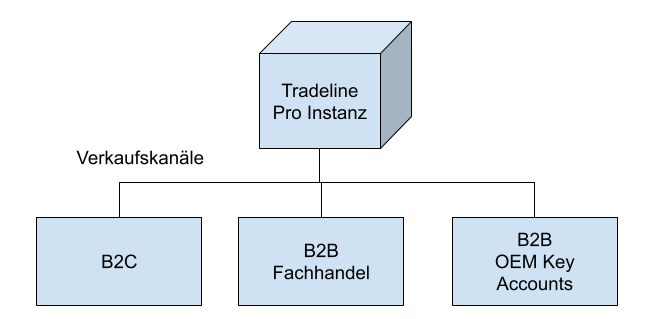
Each sales channel can be made accessible via its own domain.
Benefits
Sales channels offer the following benefits:
- Each sales channel can be tailored to the specific requirements of its respective channel. For example, you can define different products, prices, shipping methods, payment methods and designs for each channel.
- Sales channels allow you to flexibly adapt your presence to new market conditions and to add new channels without changing your entire installation.
- You manage all data centrally in TradelinePro, so you can, for example, keep track of orders, customers and stock levels across all channels.
Set-up and management
A sales channel can be set up and managed as follows.
INFO
Please note that you may need your IT team to connect the appropriate domain.
In the left-hand menu, click the plus icon next to "Sales channels" and, in the pop-up, select the "Storefront" option.
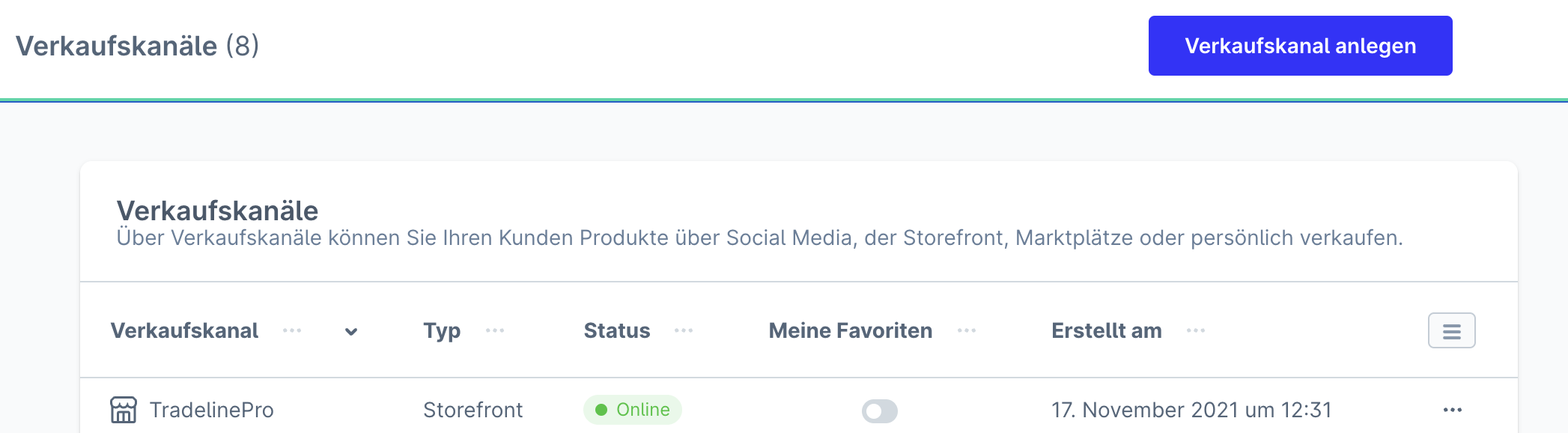
Give your sales channel a name. This should match the name of the shop, as this name is also used by default in some emails from Shopware.
Now the basic settings of the sales channel need to be configured. These settings are described here.
You also define the theme, i.e. the appearance of your shop, via the Theme tab.
Further information can be found in the Shopware documentation.